-->

Children learn through play. As an occupational therapist who works with children and youth, I use games and toys almost every day to help develop important cognitive, visual perceptual, motor, sensory, social, play and leisure skills. While many different types of activities can be used in therapy, this blog focuses on off-the-shelf games and toys that are accessible to most. Whether you are a therapist, parent, teacher, or a game lover like me, I hope you discover something useful while you are here. Learn a different way to play a game you already own or discover a new game for your next family game night. Either way, just go play. It's good for you!

The OT Magazine named The Playful Otter one of the Top 5 Pediatric OT Blogs.


Apr 12, 2020

Chocolate Fix

Chocolate Fix
 
You're the confectioner and you're filling candy orders. The problem is, you only have partial information about each order and you have to figure out the rest of the order using the clues that you're given. Here's your chance to work on logic and problem solving, all in nine delicious bites. 

Chocolate Fix includes 9 candy pieces - 3 caramel, 3 chocolate and 3 strawberry. Each flavor has 3 shapes - 1 triangle, 1 circle, 1 square. The candy and wrapper are one piece, and all pieces fit nicely into a candy box tray. The set I have has light brown pieces (caramel), not white, and does not have those coin shaped place holders. If you go to look for this on Amazon, you will see this box (image above) as well as they're new updated packaging.

The puzzle book has 40 puzzles that range in difficulty from Beginner to Expert, so you get a chance to keep challenging yourself as you advance. Each puzzle will give you the location of some pieces, by color only, shape only, and in some cases color and shape are given. You job is to place all 9 pieces into the base - completing the puzzle using the clues. As the challenges get more difficult, fewer pieces/locations are given and/or more than one option is possible. The puzzle book folds out to a convenient easel stand. The answer to each puzzle is on the back of the card.

Below is a photo of a puzzle and the solution (found on the back of the card). This is puzzle 10 out of 40.


Everyone like this game, including me. 

If you would like to read more about one-person logic puzzles, check out my post What's in Your Therapy Box? Logic Puzzles Edition.

Try this:
  • Look at the answer key and place a few of the pieces. Let the individual figure out the rest. As he gets better, reduce the number of candies you place until he is doing it alone.
  • Use the game in a simpler way, if the player is unable to solve the challenges, to promote spatial awareness. Show each answer page to the individual and have him line up the chocolates in the tray in the same locations.
  • Go through the reasoning steps verbally to help the player learn how to eliminate certain possibilities.
  • Complete a puzzle yourself, reasoning out loud as you go, as the individual watches. After completing the puzzle, take the pieces out and see if the individual can solve the puzzle again on his own.
  • Work on logic, problem solving, manual dexterity, visual discrimination, spatial relations, visual closure, process skills, executive functioning skills, play and leisure exploration and participation
In the box: Plastic base, 9 pieces of plastic candy, puzzle book, bag for storage

If you are interested in purchasing this item or want more information, click on the image below.

Apr 4, 2020

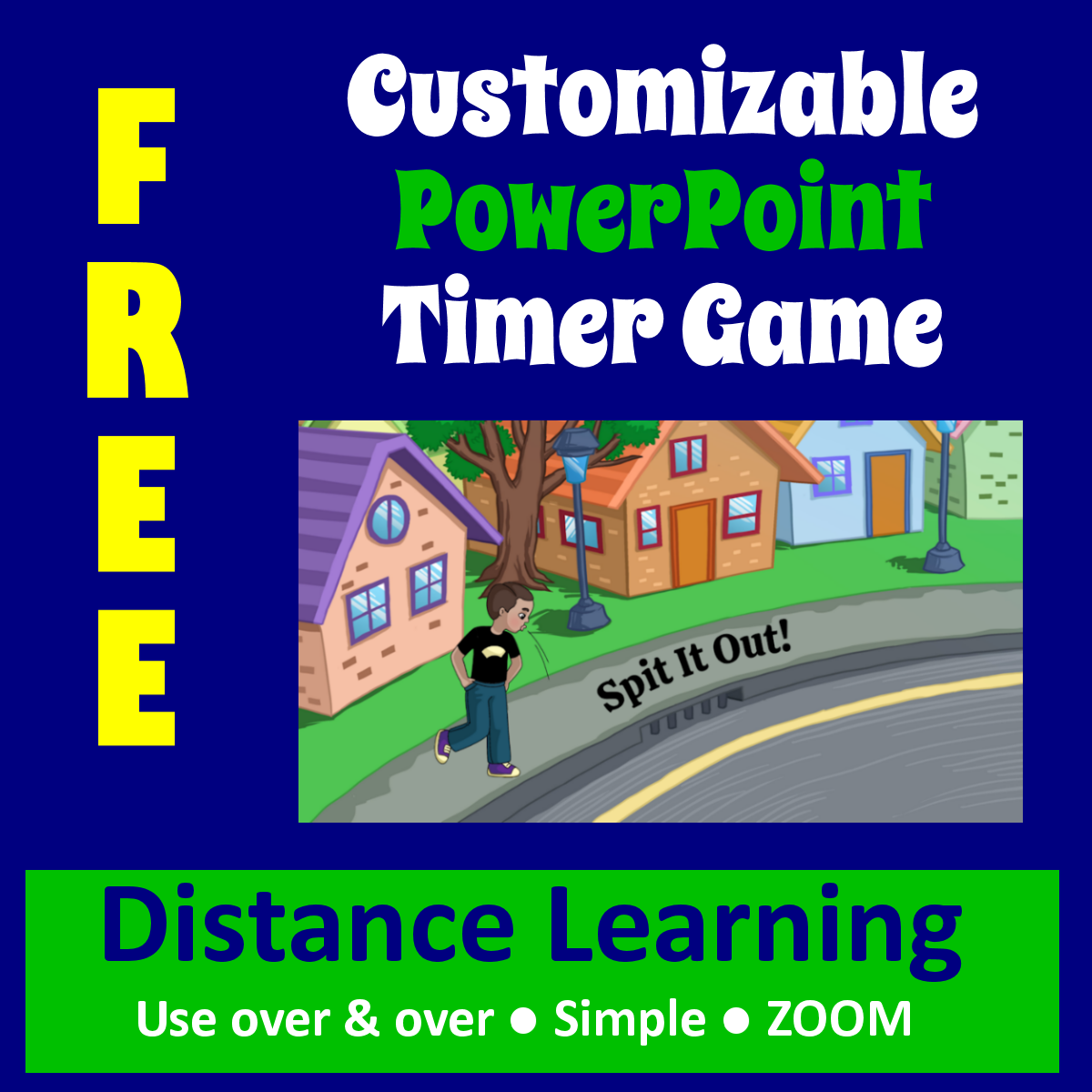
Customizable PowerPoint Timer Question Game Template


As you can probably guess, I'm a physical, hands-on game player. And now telehealth has required me to do a fast 180. But, as you may have also guessed, a lot of what I am preparing for my kids is based on games, BOOM, PowerPoints and comics that are easy to share on platforms like ZOOM. I know if you are an OT you are most likely in the same boat as me, so I am offering this easy-to-use and fun game template free at my TPT store.

Spit it Out, a PowerPoint game I created, is based on 5 Second Rule! and 5 Second Rule Jr., games I have already blogged about. Figuring out how to build the timer into the PowerPoint was the hardest part, the rest was a cake walk.

I set my game up for 6 seconds and I'm calling it Spit It Out!, but you can rename it anything you want. Each PowerPoint slide asks you to name three things in a certain category. For example name three ways to look for a job, name three kitchen utensils and name three ways to calm yourself if you are anxious. Then there are "kid" questions sprinkled in so that they won't suspect that I am trying to teach them something, like name three stinky things, name three video games and name three animals that would make terrible pets. Once the sentence is read, click on the screen and the countdown timer begins. For most of my kids I let them read and get a head start on their thinking a few seconds before I start the timer. After the timer has completely run down on time, then click to the next slide. Keep score on paper for right answers, don't if you don't want to. Nothing to it. All you have to do is think of the categories.

Here are a couple ways that I am using it:
  • Teach - Ask a question in the beginning that will teach a point and then elaborate on it in later slides. As I always do, I set the slides up so that it is my turn on the teaching slides. Once my answers are given I can elaborate for a few seconds without putting them off the game. For instance you may say name 3 things that you can do to protect yourself from the coronavirus. Make that your question and make disinfect one of your answers. Then later say name three ways you can disinfect something.
  • Check learning - Use it at the end of a session. Whatever you went over, weave in questions about it to see if the understanding is there and retained. Either way, it can be a good review.
  • Have fun - Don't forget to throw in some fun questions that will keep it light and they won't even suspect they are learning.
This PowerPoint comes with 30 blank slides. To make more slides, just click on a slide in the left column and copy and paste to the same column. To delete slides, right click on a slide, delete or cut.

I would love it if you would leave a comment if you take the PowerPoint and tell me what you are going to use it for. We could all benefit from creative ideas right now :)

We're all in this together. Many of us are having to go from one method of service delivery to a completely different, unfamiliar method overnight. Don't be hard on yourself and try to still have some fun. We are all learning this together.

Remember, this too shall pass. Stay well.

Click here to go to the Customizable PowerPoint Timer Question Game Template at my TPT store.